
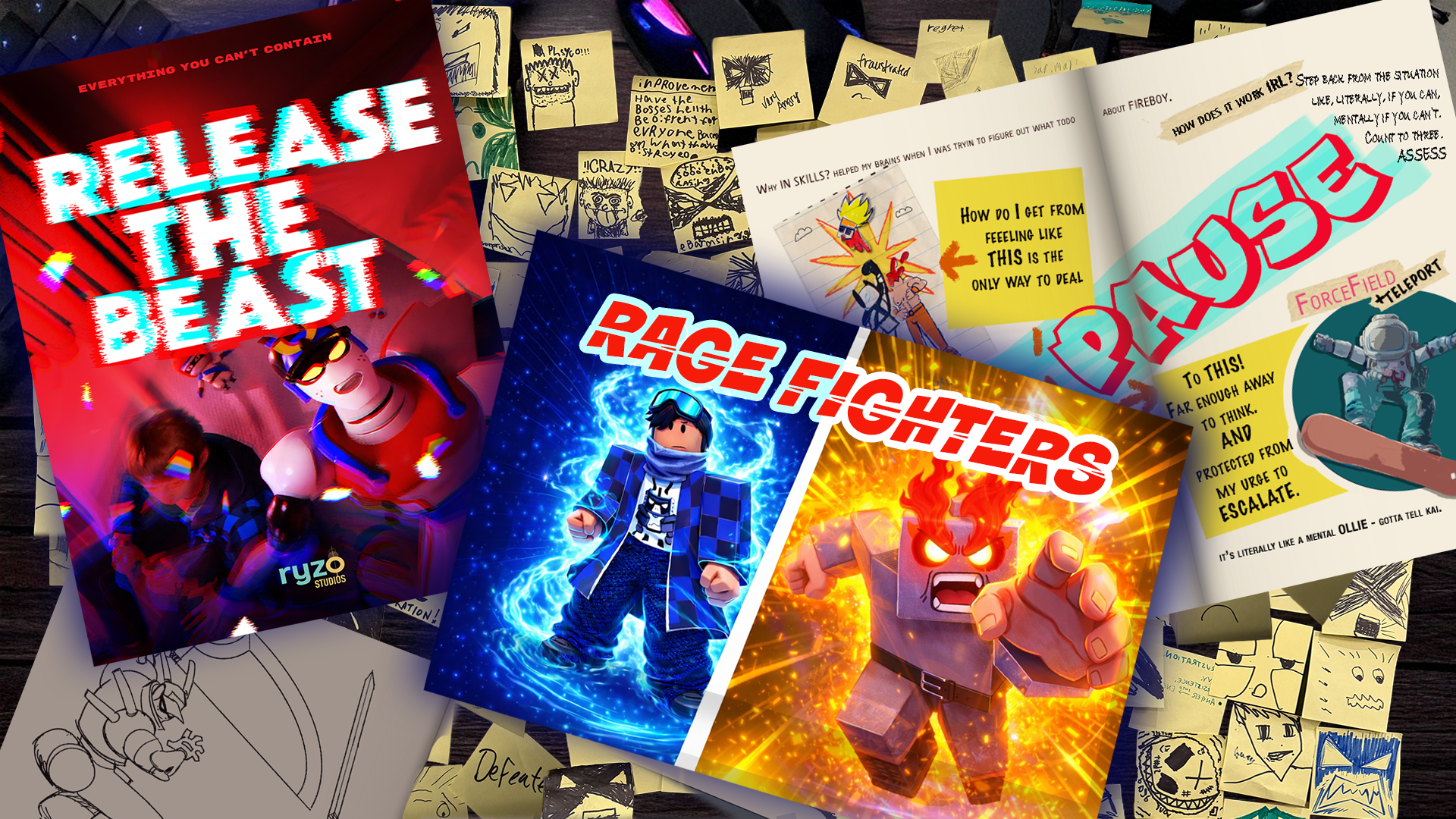
The 90-Minute
"UN-TILTED"
Experience
UN-TILTED is a multi-part live experience — film, game, and art activity — built to help kids identify and handle big emotions. Each element does specific emotional work and sets up the next, woven together by a sticky note art activity that keeps every kid personally connected to Aaron's story.
Three tools.
One unforgettable session.
Everything you need to host a cinematic, creative, and skill-building session. No advanced prep or "expert" knowledge required — Aaron's story and the integrated slide deck lead the way.
Direct access to the three essential elements. Each one is designed to work together — open them in order and you're ready to go.
Master Slide Deck
This is the heart of the event. Just click 'Present.' The Sticky Stan expression sheets, the film link, and the game mission are all built-in. Use the 'Presenter Notes' for your script.
Launch the Slide Deck →Facilitator Guide
A 3-page printable guide with the full "Say/Show/Do" script. Keep this in your hand to stay on track during the live session. Print it. Hold it. Own the room.
Download PDF →"Field Intel" Lore Sheet
Hand this out to kids before they start the game. It's a physical "cheat sheet" that ensures they learn the skills even if they don't find every egg in Roblox.
Print the Lore Sheet →Know what to expect
before you click.
The Master Slide Deck is a self-contained experience that guides your group through four stages — from first contact with the story to real-world ownership.
First Sticky
Integrated expression sheets help kids identify and draw their "First Sticky" — their own emotional signal — anchoring the session in personal experience from the very start.
Release the Beast
A direct link to stream the film is built right into the deck. No scrambling for tabs. Aaron's story opens the emotional door — the group walks through it together.
Rage Fighters Mission
Clear instructions and mission objectives for the Rage Fighters game are built into the deck. Kids know exactly what they're doing — and why — before they touch the controller.
Community Mural
Step-by-step guide for the #StickyReveal photo activity and the final Community Mural. Kids close the session with something they made — together.
Check these before
the room fills up.
Three quick tests to run while you're setting up. Five minutes now saves you from scrambling in front of a room full of kids.
Check the Wi-Fi
Is Roblox whitelisted on the school or program network? Confirm access before kids arrive — this is the most common blocker.
Test the Audio
Can everyone in the room hear the film's roar? Play a clip, walk to the back row, and confirm. The film lands on sound.
Launch Rage Fighters
Open the Roblox server and confirm the game loads on your setup before kids are seated. Have the link ready to share or display.
Need more resources?
Browse the full library of engagement guides, or reach out if you want the Ryzo team in the room.